
ACV i-dapter Steering Wheel Control Interface For Skoda and Volkswagen
- Availability:In Stock
- Available:10 in stock
- Item Condition:New
- Brand:ACV
- Product Code:IDVW1
- Other Part #:43XVW01 / CTUVW01
- EAN / UPC:7427288188047
- Warranty:1 Year Warranty
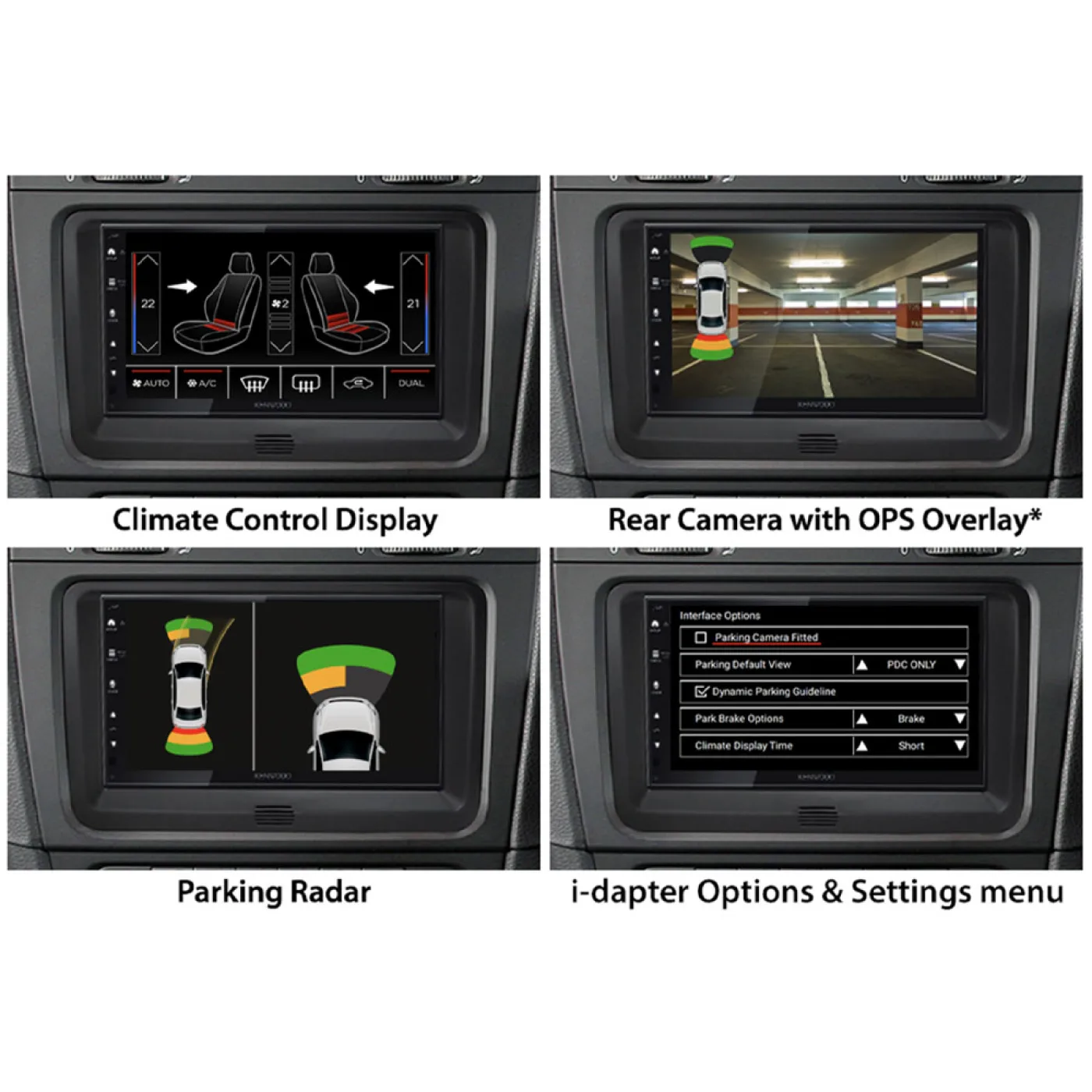
The i-dapter allows you to retain the visual display of vehicle functions, such as parking sensors, climate control, and seat heating, when replacing the original radio. Vehicle-specific settings are supported and displayed on the aftermarket unit.
The vehicle's steering wheel remote control function is also supported and is essential for configuring the adapter. Depending on the vehicle's equipment, the functionality, and the software of the aftermarket unit, some operating functions may be omitted or replaced.
Please ensure that the original factory radios we have listed and the adapter connectors shown match your vehicle's equipment.
Before installation, check the vehicle menu for various settings. Test the functionality of the settings and the vehicle system before final installation.
Product Compatibility Chart
| Make | Model | Years | Notes |
|---|---|---|---|
| Skoda | Octavia | 2009 - 2013 | (1Z) |
| Skoda | Rapid | 2012 - 2015 | (NH) |
| Skoda | Roomster | 2010 - 2015 | (5J) |
| Skoda | Superb | 2008 - 2013 | (3T) |
| Skoda | Yeti | 2009 - 2013 | (5L) |
| Volkswagen | Caravelle | 2009 - 2015 | (7H) |
| Volkswagen | CC | 2012 - 2016 | (3C/35) |
| Volkswagen | Eos | 2010 - 2015 | (1F) |
| Volkswagen | Golf | 2008 - 2012 | VI (1K) |
| Volkswagen | Golf | 2009 - 2013 | VI (1KM) |
| Volkswagen | Golf | 2009 - 2014 | VI Plus (1KP) |
| Volkswagen | Golf | 2011 - 2016 | VI (1K) |
| Volkswagen | Multivan | 2009 - 2015 | (7H) |
| Volkswagen | Passat | 2010 - 2014 | B7 (3C/362) |
| Volkswagen | Polo | 2009 - 2014 | V (6R) |
| Volkswagen | Scirocco | 2008 - 2014 | III (13) |
| Volkswagen | Sharan | 2010 - 2015 | II (7N) |
| Volkswagen | Tiguan | 2011 - 2016 | I (5N) |
| Volkswagen | Touran | 2010 - 2015 | (1T) |
| Volkswagen | Transporter | 2009 - 2015 | T5 (7H) |
That in some cases, not all functions are supported. For example, Trailer Assist, eCall, or other driver assistance and comfort systems.
Specifications
CAN bus
- connection
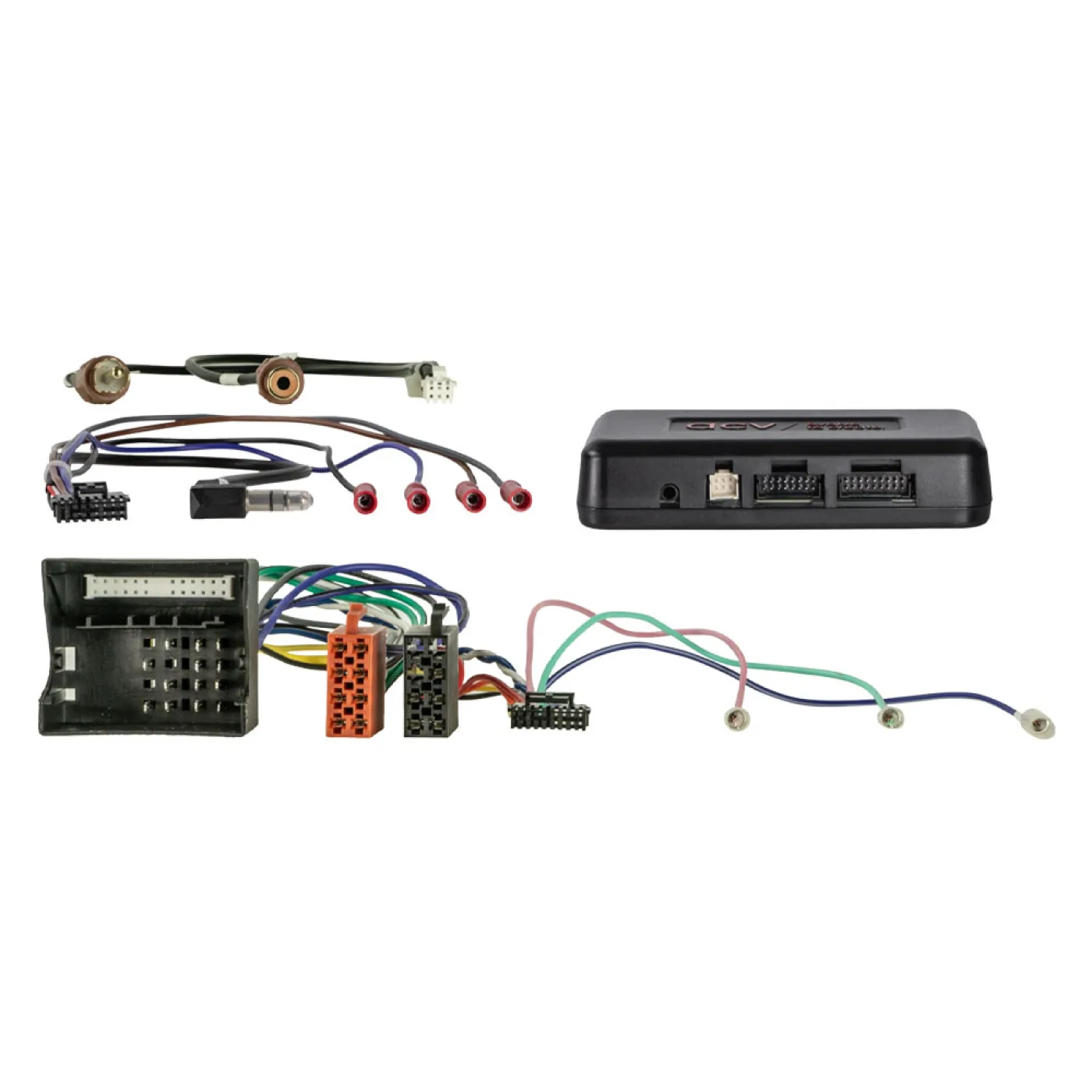
- 40-pin Quadlock VW connector
- Connection
- OEM steering wheel remote control > 3.5mm jack / loose cable
- Vehicles with white OEM FIS menu display instrument cluster
- Vehicles with / without OEM sound system
Vehicles with parking aid:
- Parking aid not supported
Activate and configure the reversing camera input in the retrofit device menu
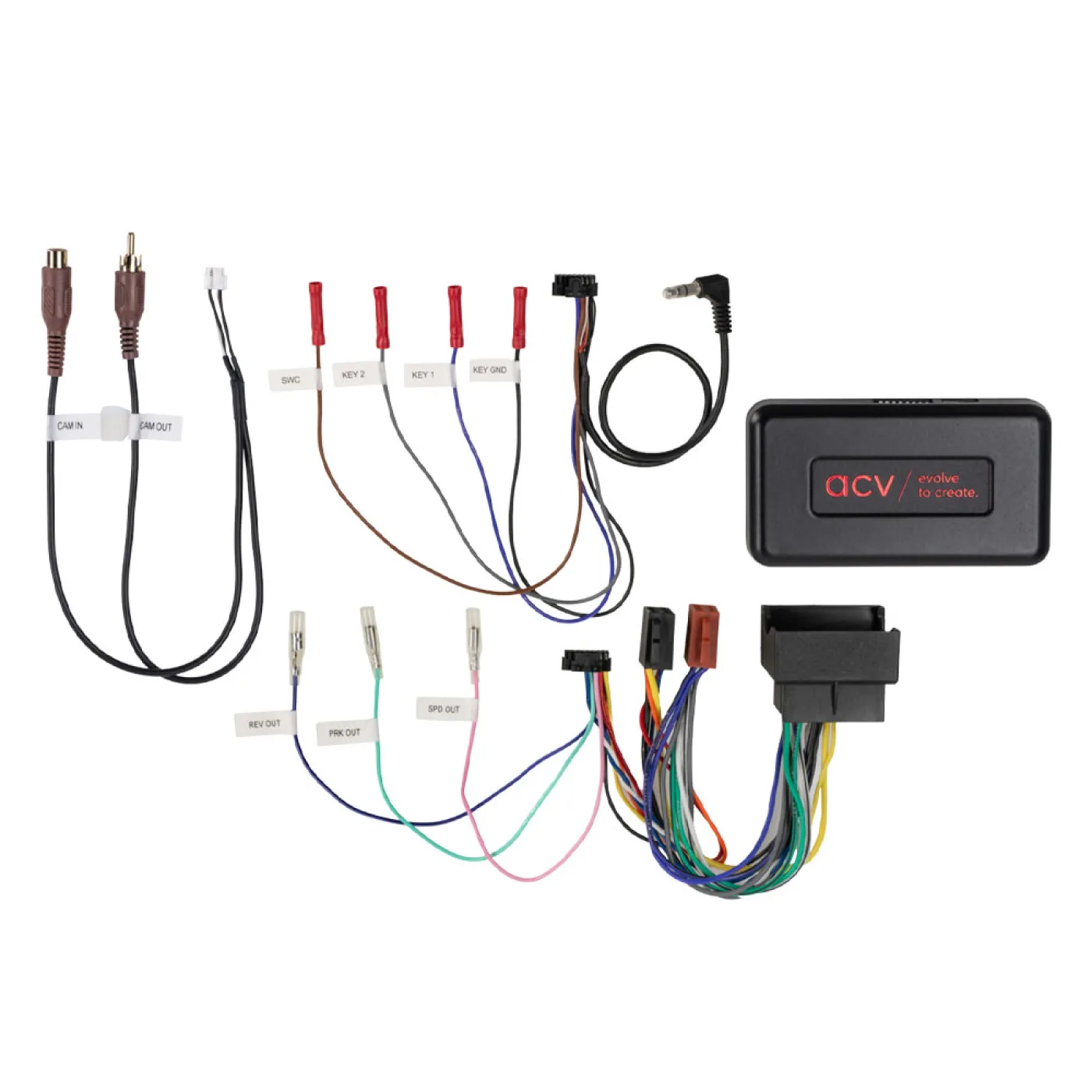
i-dapter connection:
purple/white: +12V reversing signal
RCA (m) ochre: reversing camera input Retrofit device visualization i-adapter settings > Retrofit device reversing camera input visualization OPS > Retrofit device reversing camera input visualization Climatronic > Retrofit device reversing camera input Vehicles with steering wheel remote control i-dapter settings : Steering wheel remote control Track forward press and hold Alternatively with item: 43x-remote Vehicles without steering wheel remote control required accessory : i-dapter accessory remote control > Item: 43x-remote Camera image or i-dapter settings and visualization Not available: Connection of an additional ground contact RCA outer conductor at the camera connector and device connector. Vehicles with parking assist and front PDC > after starting the vehicle, the front PDC is displayed. Exiting the display > via the vehicle's PDC button.
The +12V reverse signal is switched off above 3 km/h.
Specifications
Skoda vehicles:
- with Audience / Stream OEM unit
- , with Amundsen / Columbus OEM navigation,
- without Technisat OEM unit.
VW vehicles:
- with RCD310 / RCD500 / RCD510 OEM unit
- , with RNS315 / RNS510 OEM navigation
- , without RCD320 OEM unit with ISO connectors.
Vehicles VW Caravelle / VW Multivan / VW T5 OEM sound system:
- Active system adapter VW T5/Touareg Quadlock MQS insert > Item: 13-1424-26
Vehicles with OEM reversing camera:
- Reversing camera interface Seat/Skoda/VW OEM HIGH > Item
- 771324-1032
- Reversing camera interface Seat/Skoda/VW OEM LOW > Item
- 771324-1036
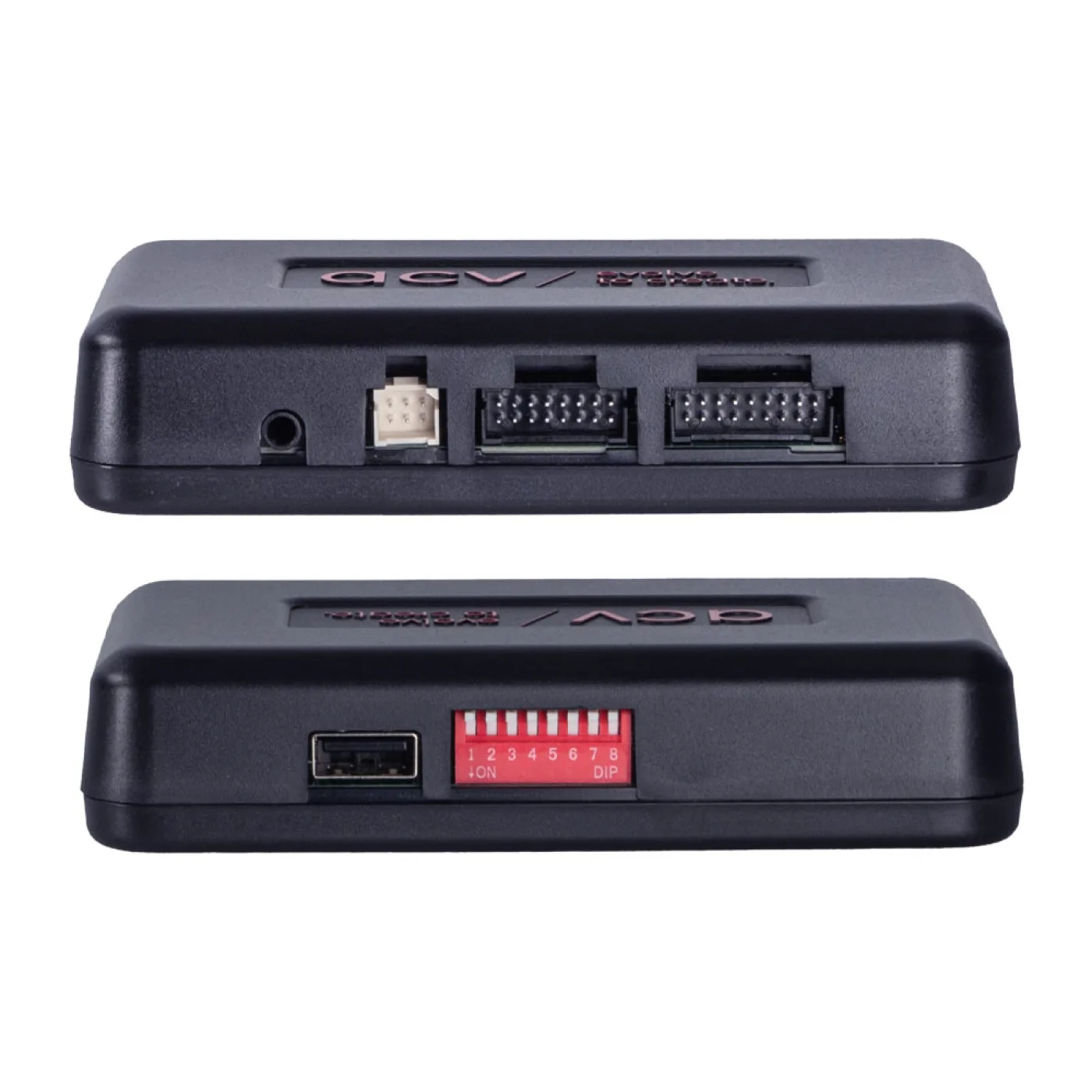
DIP switch settings for the aftermarket device manufacturer (see operating instructions)
The following signals are provided:
Reimported vehicles or vehicles with different software may be incompatible in terms of functions.
- Red
- +12V Ignition Terminal 15
- Orange
- +12V Lighting Terminal 58
- Purple/White
- +12V Reverse Signal
- Pink
- Speed Signal
- Green
- Ground GND Handbrake Signal
Output Load Capacity: 250 mA max.
- Current requirement greater than 250 mA:
- 1 relay coil resistance 75 ohms min.
- 2 relays coil resistance 150 ohms min.
Steering wheel remote control
- visualization Climatronic supported
- Visualization optical PDC supported
- OEM sound system settings supported
Optional:
- Reversing camera interface Seat/Skoda/VW OEM HIGH > Item
- 771324-1032
- Reversing camera interface Seat/Skoda/VW OEM LOW > Item
- 771324-1036
General Installation Instructions:
Verification:
- 1
- Check all operating functions and vehicle setting functions of the OEM device
- 2
- Disassemble the OEM device with power off
- 3
- Check all interface connections for correctness and continuity with power off
Connection and Connection Sequence:
- 1
- Configure the interface settings and hardware with the power off.
- 2
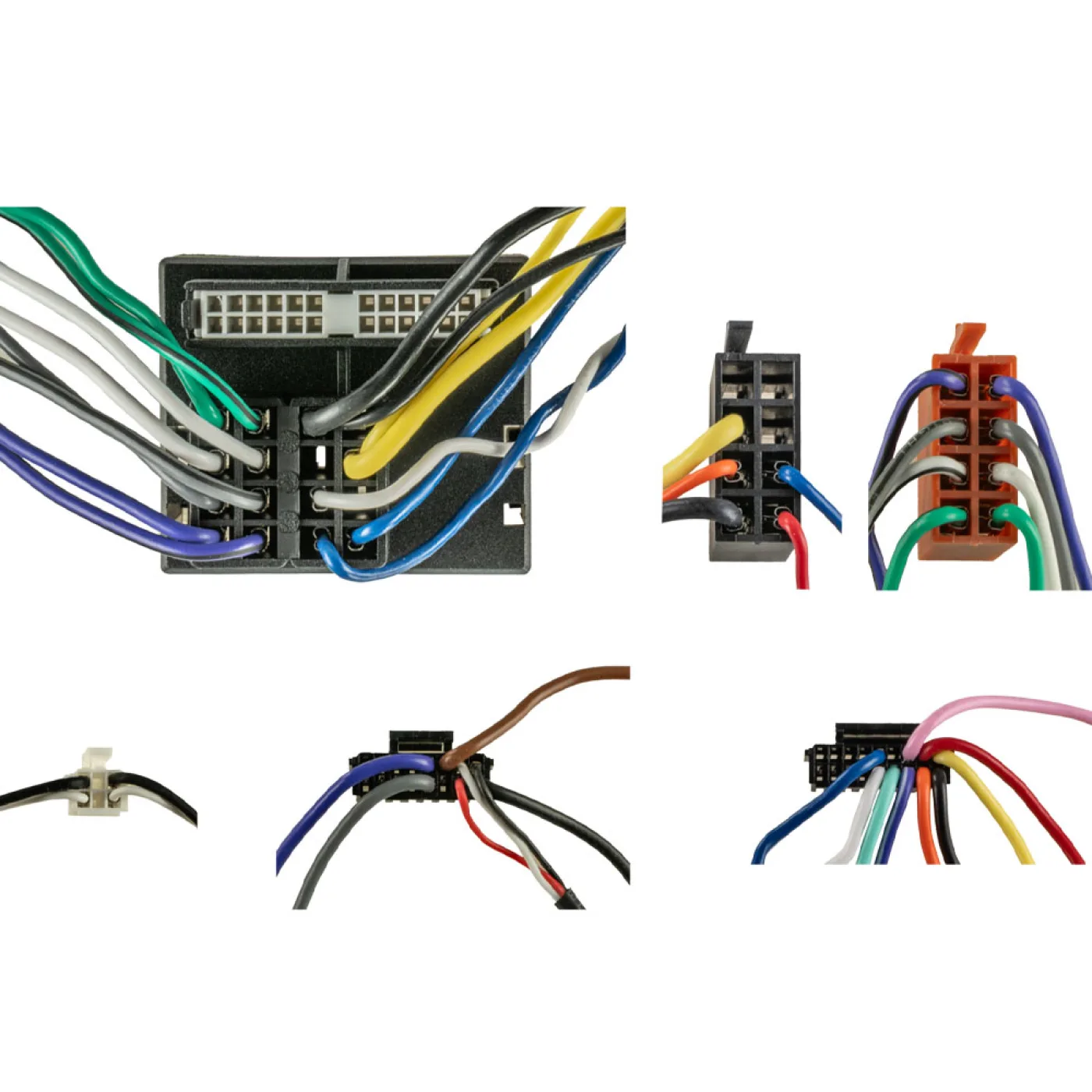
- Check the radio connection cable configuration.
- 3
- Connect the radio connection cable according to the operating instructions of the retrofit device.
- 4
- Connect all other connections according to the operating instructions of the retrofit device.
- 5
- Connect the entire installation to the vehicle with the live connection last.
- 6
- Configure the interface software according to the instructions in the article text and the operating instructions.
- 7
- Configure the retrofit device according to the operating instructions of the retrofit device (steering wheel remote control/camera/hands-free system/antenna phantom power and others).
- 8
- Test the functionality of the steering wheel remote control and the vehicle.
Changes to the hardware configuration of the interface and the radio connection cable:
- 1
- Make changes with the power off.
- 2
- After changes, see steps 5 to 8 above .
In case of malfunction of the interface or the vehicle:
- 1: Revert to the OEM device.
- 2: Operate the OEM device.
- 3: Put the CAN bus into standby mode.
- 4: Check the hardware configuration of the interface.
- 5: After putting the CAN bus into standby mode, see steps 5 to 8 above .
Connections, connection changes, alternative connections, connections of loose cables, or connection extensions specified in the information text or the operating instructions. Cables are provided solely for orientation and information purposes for trained personnel.
Further connections, modifications to the wiring harness configuration, or the use of alternative connections or connection extensions:
- 1. Connections and modifications must be carried out exclusively by trained personnel.
- 2. Connections and modifications must be checked for any manufacturer approvals or for any manufacturer's warranty conditions that may be affected by the modifications before connection
- 3. Connections and modifications must be checked for functionality and correctness before connection by measuring and comparing them to the vehicle's wiring diagram.
- 4. Connections and modifications are carried out at your own risk without any guarantee of functionality.
- 5. Connections and modifications are carried out at your own risk without any guarantee of damage to the vehicle, the retrofit device, or the interface.
- 6. Modifications to the pre-assembled wiring harness may void the product warranty.
What's Included
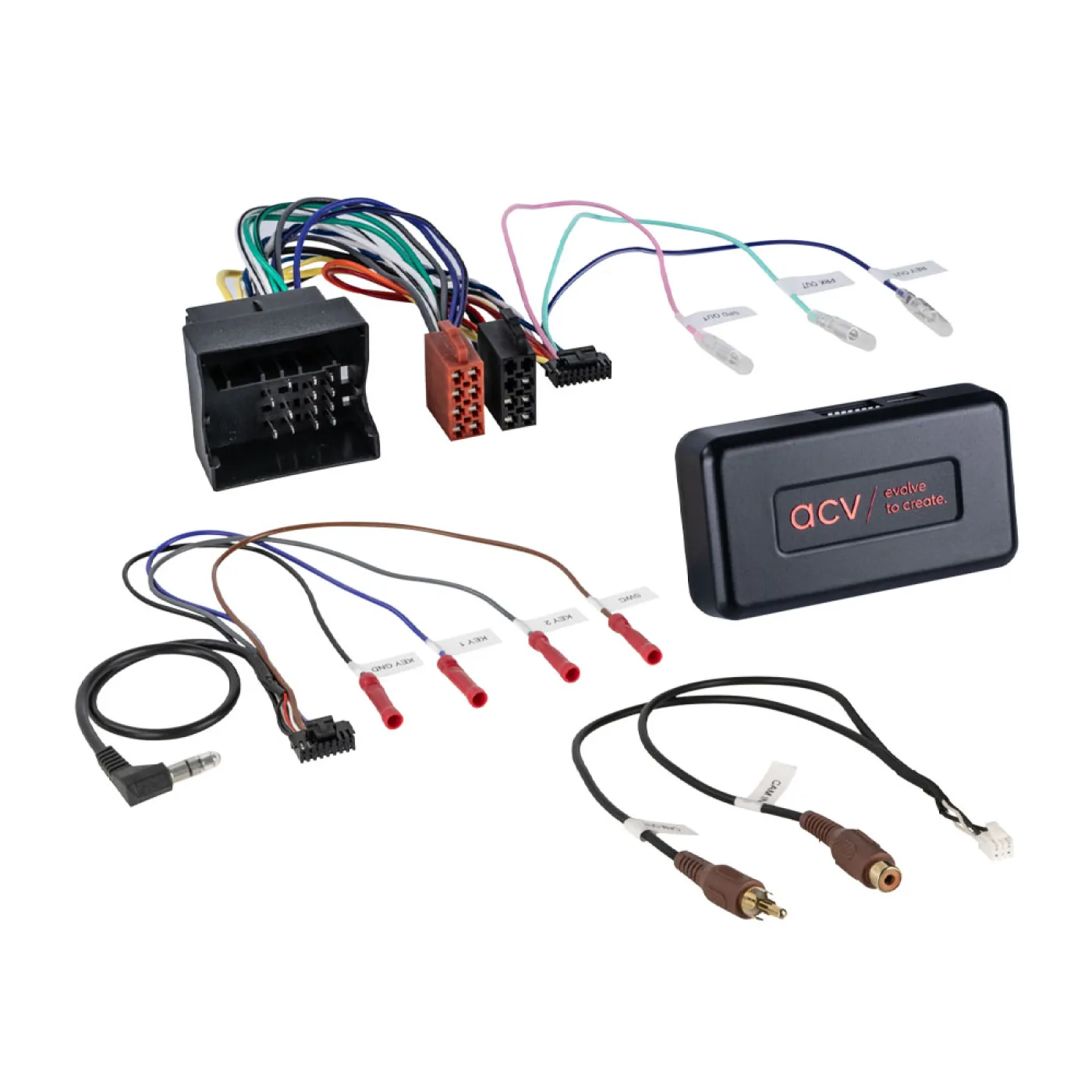
- IDVW1 Steering Control Adaptor
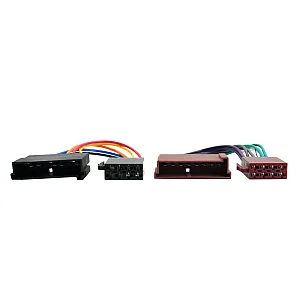
- FREE Stereo Patch Lead